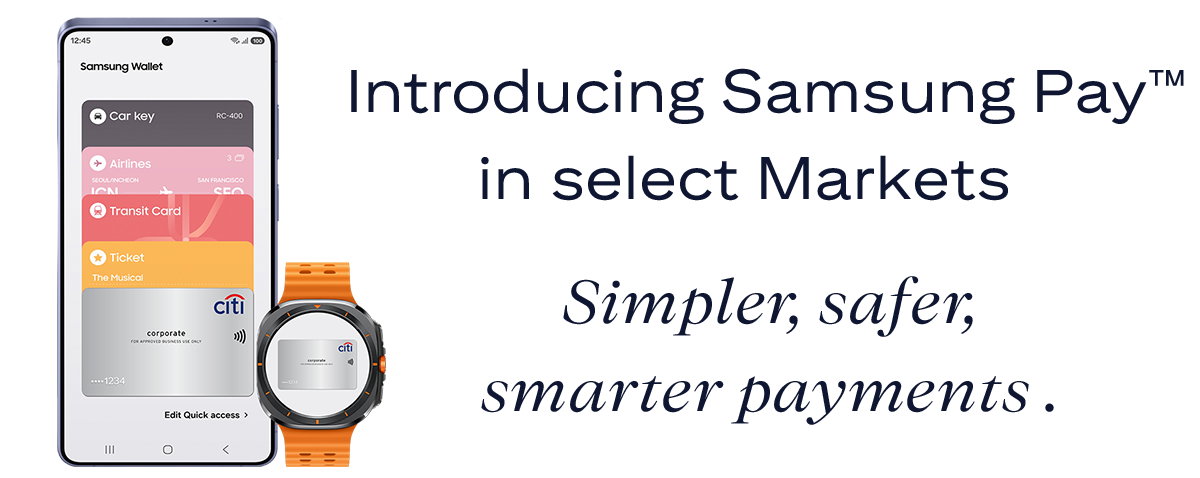
Use your eligible Citi® Commercial Card¹ to make secure and convenient payments using your compatible Galaxy smartphone or smartwatch wherever you see
 or
or
 symbols.
¹Eligible cards are physical Citi Commercial cards issued in the following European markets: Denmark, France, Germany, Italy, Norway, Portugal, Spain, Sweden, Switzerland, and the United Kingdom. mVCA cards cannot be added to Samsung Pay.


To use Samsung Pay, you’ll need a compatible Samsung phone or Samsung watch running the latest software.
Getting started is quick and easy. Simply add your Citi Commercial card and you’ll be ready to pay using your phone or watch. Just tap and go.
If you have the Samsung Wallet app on your phone, you can either import cards to your watch from your phone or add cards manually using your phone to pay with your watch.
Alternatively, you can select ‘Add credit or debit card’ to scan your card or enter the details manually.
 Paying with your Samsung Phone
Paying with your Samsung Phone is fast and simple, just swipe up on the screen or open the Samsung Wallet app on your home screen then your Citi Commercial card. Hold your phone near the contactless reader then, depending on your phone model, authenticate by using using your iris scanner , fingerprint, or Samsung Wallet PIN.
 Paying with your Samsung Watch
If you are paying with your Samsung watch, press and hold the button on the back of the watch, then enter your PIN. select your Citi Commaercial card and tap ‘Pay’. To complete the payment, hold your Samsung watch close to the contactless reader.
When purchasing online or in-app, look for the Samsung Pay Checkout Button, confirm your billing and shipping information, then depending on the device you are using, authenticate your payments with Iris scanner, Fingerprint, or your Samsung Pay PIN.
For more information, visit this website.
Samsung Pay protects your payment information and personal data using tokenization and Samsung Knox, the secure domain in Galaxy.
If your Samsung device (Samsung phone or Samsung watch) is lost or stolen, please take the following immediate actions to ensure that your card cannot be used for payments:
Or
With Samsung Pay, you can designate a card as a Transport card for TfL travel. Just tap your phone on the reader, there is no need to unlock your device or verify your payment.
To enable this feature for your Citi Commercial Card, follow the detailed steps in the FAQs.
Samsung , Samsung Wallet and Samsung Pay are trade marks or registered trade marks of Samsung Electronics Co., Ltd.
The Contactless Symbol is a trademark owned by and used with permission of EMVCo, LLC.