
Look
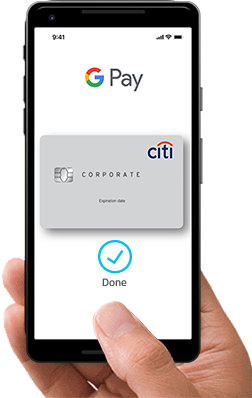
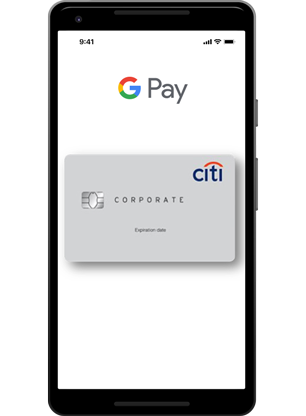
Look for either symbol


Unlock
Unlock your phone or open Google Pay on your watch
Pay
Hold the back of your phone or your watch close to the terminal for a few seconds
Done
It is that simple!
When using your Google Watch® wrist wearable device, double-click the side button and hold it up to the card terminal.
Online and In Apps
-
Simply select the Google Pay logo at checkout.
- Choose your Citi® Commercial Card as the payment method.
- Complete the order.
- Your payment information will automatically be filled, so you don’t need to type anything.

Download the CitiManager® Mobile App
The CitiManager® App for Citi® Commercial Cards enables you to use your smartphone or tablet to access key account data on the go for your corporate card. Wherever you can access the internet, you can view your statement information, balances, available credit, and much more.
Program Administrator (PA) or Agency/Organization Program Coordinator (A/OPC) must opt-in on behalf of their organization to allow their cardholders to use Citi® Commercial Cards with Google Pay, Google Pay and Samsung Pay. To enroll, please contact your Citi® Commercial Cards Service Representative.
Google Pay Mark and Google Pay Buttons are trademark of Google Inc.
The Contactless Symbol is a trademark owned by and used with permission of EMVCo, LLC.